

Explainer
How to research a company before you buy from it
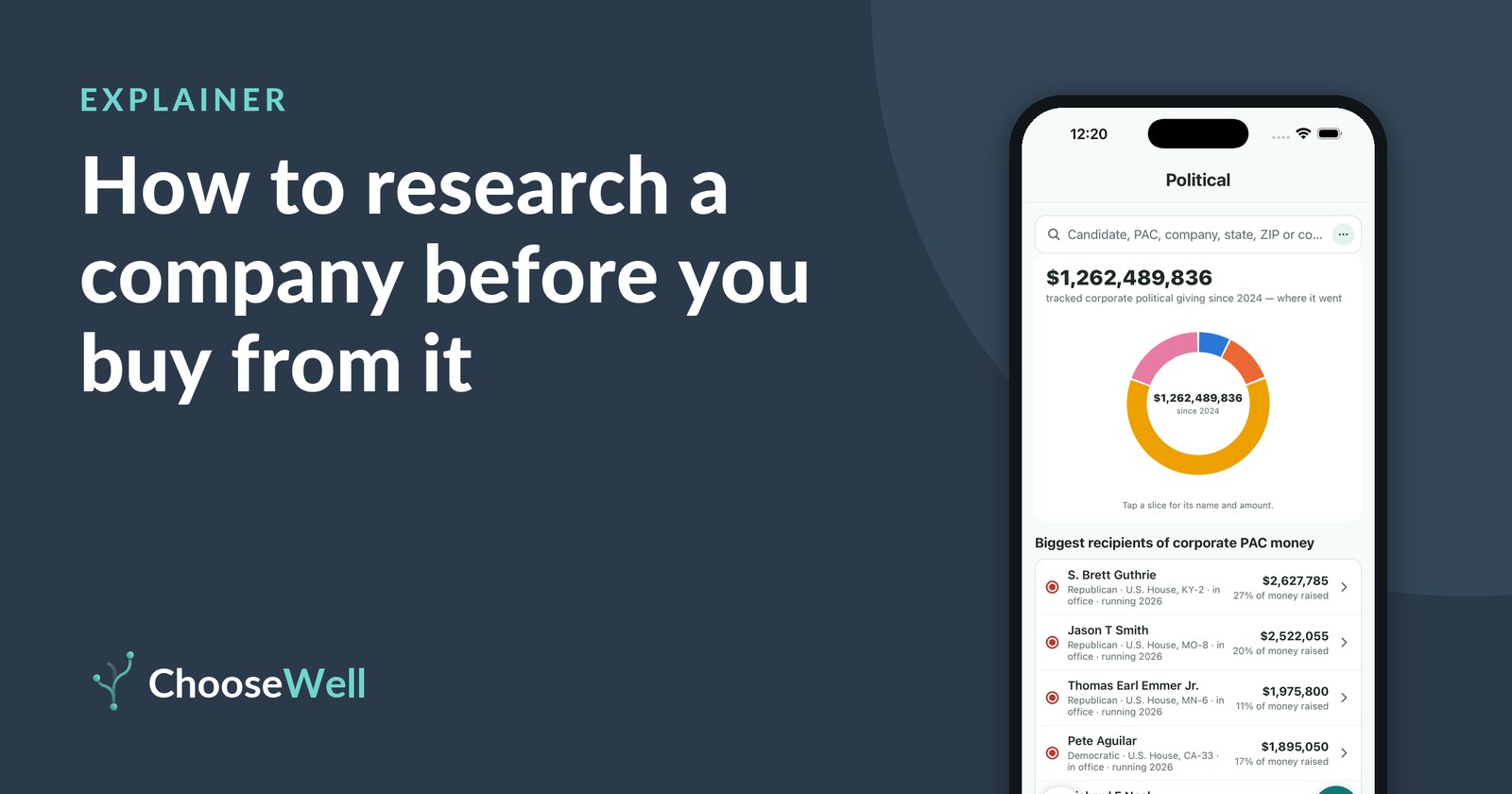
The name on the front of a package isn't always the whole story. Many familiar brands belong to a small number of large parent companies, and the records that show what those companies do are mostly public. They're just spread across several government sites. Here's where each piece lives, and how to put it together.
Step 1: Find out who owns the brand
Start with a scan, a photo of the package, or Enter company in ChooseWell. The product page names the maker and, when there is one, the parent company above it. ChooseWell builds that ownership chain from company filings at the SEC's EDGAR database, federal registrations at SAM.gov and Wikidata. Political money and recalls belong to the company that owns the brand, so this step comes first.
Step 2: Check its safety record
Open the Safety score. It shows open recalls from the FDA, USDA, CPSC and NHTSA for that product line, and any listed ingredients on published watch-lists, each linked to its source. A pattern of recalls across a company's products is something you can see by scanning a few of them.
Step 3: Look at its political spending
Open the Political score. It shows how much the company has spent since 2024 to influence policy, added up from four public records:
- Corporate PAC giving, from FEC filings, with the share that went to each party.
- Federal lobbying, from quarterly reports filed under the Lobbying Disclosure Act, with the issues lobbied.
- Super PAC giving from the company itself, from FEC filings.
- State-level giving, from the campaign-finance records of 46 states and cities.
The level is Low, Moderate or High by dollar amount, and our article on reading a company's political spending explains each kind of money.
Step 4: Read what other shoppers say
The Reviews score shows ratings and comments from other ChooseWell users. It's often the most direct sign of how a product holds up.
What this research means, and what it doesn't
None of these records tells you what to think about a company. Political spending shows where money went, not why. Low spending means nothing large was found in public filings, which isn't the same as no activity: trade-association dues and money routed through groups that don't disclose donors don't show up in any public source. And a recall shows a problem was found and reported, not that every product is affected.
How ChooseWell shows this
Every score sits on one product page with its source a tap away. To go further, the Political section (part of ChooseWell Pro, switched on in Priorities) lets you start from the other side: look up a candidate or PAC and see which companies' money shows up there.
Check it yourself
Scan any barcode in ChooseWell to see the maker's open recalls, flagged ingredients and political spending, each with its public source. Free to scan, no account.