

Explainer
How to scan a product before you buy it, even without a barcode
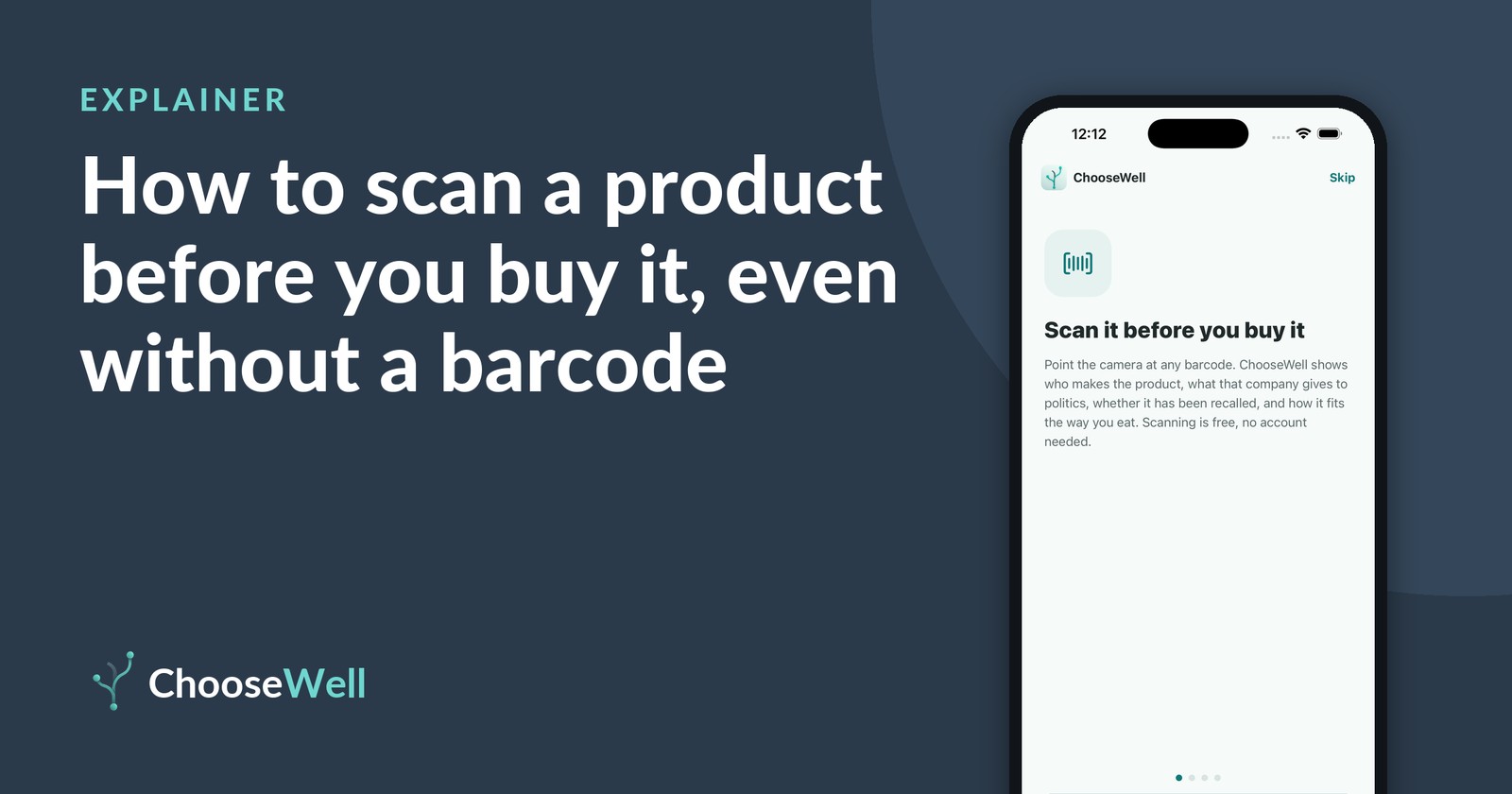
You're in the aisle with a product in your hand and you want to know more before it goes in the cart. A scan takes a few seconds, and you don't need a barcode to do it. Here are the ways to look a product up in ChooseWell, and what each one shows.
Five ways to look a product up
- Scan the barcode. Open ChooseWell, tap Scan a product and point the camera at the barcode. Most packaged goods carry a 12-digit UPC, which the app matches to a product record and then to the company that makes it.
- Photograph the front. If the barcode is worn, curved or missing, open the plus button and choose Scan item front. The app reads the name and brand from the package.
- Enter a produce code. Loose fruit and vegetables carry a small sticker with a 4- or 5-digit PLU code. Choose Enter a produce code and type it in. According to the International Federation for Produce Standards, which assigns the codes, a 9 in front of a 4-digit code marks organic produce.
- Enter a VIN. Shopping for a used car? Choose Enter a VIN and type the 17-character vehicle identification number for the make, model, year and that model year's open recalls.
- Enter a company. For things without a barcode, like an airline, bank or insurer, choose Enter company and pick it from the list.
Search by name (typing any product or company without it in hand) is part of ChooseWell Pro. Everything above is free to scan.
Why scan before you buy, not after
Most choices happen in the moment, with two similar products side by side. Scanning before checkout means you can act on what you learn: put one back, compare it with the next one on the shelf, or decide it's the right one after all. Over time you also build a sense of which makers keep showing up with recalls or ingredients you've decided to watch.
What you'll see after a scan
Each scan opens one product page with four scores: Political (how much the maker spends to influence policy), Safety (open recalls and flagged ingredients), Nutrition (against targets you set) and Reviews from other shoppers. Each score links to its public source. In Priorities you can switch off any score you don't care about, and set your own nutrition targets.
What a scan means, and what it doesn't
A scan shows what public records say about a product and its maker today. It doesn't tell you what to buy. "No recalls" means none were found in the sources checked, not a guarantee. For a car, ChooseWell shows recalls for that model year; to see whether your exact vehicle still needs a repair, check the VIN on NHTSA's recall lookup. Our recall explainer covers how recalls work.
How ChooseWell shows this
Every scan lands on the same product page, with the source of each score one tap away. Scans are saved on your phone in your Shopping Snapshot, not in an account.
Check it yourself
Scan any barcode in ChooseWell to see the maker's open recalls, flagged ingredients and political spending, each with its public source. Free to scan, no account.