

Explainer
How to compare nutrition between two products in the aisle
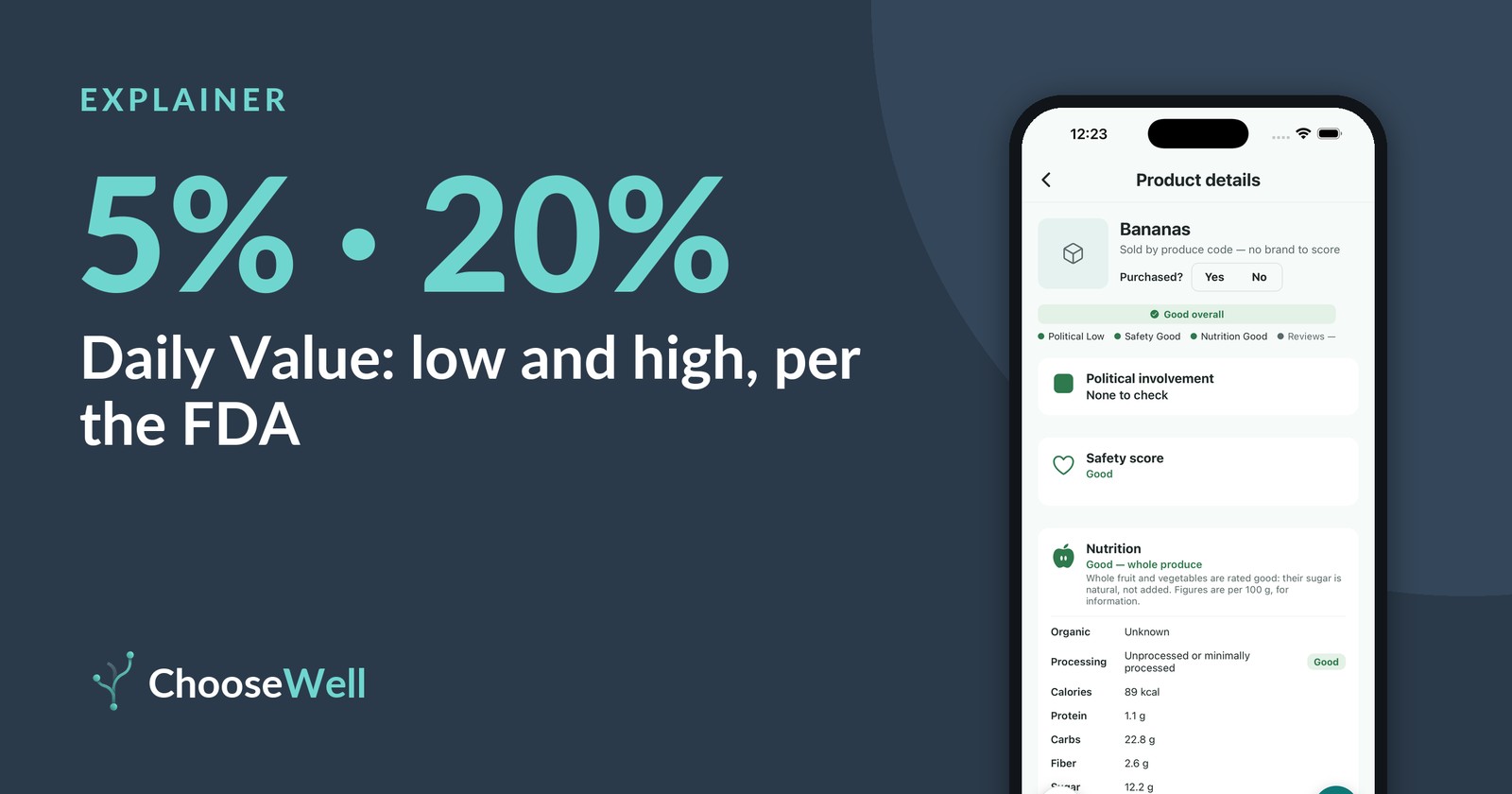
Nutrition Facts labels follow one federal format, but comparing two of them still takes care. Serving sizes differ, sugars are split in two lines, and "healthy" depends on what you're watching. Here's a four-step way to compare two products fairly, using the rules the FDA publishes for reading the label.
Step 1: Set your own targets
Before comparing, decide what matters to you. In ChooseWell, open Priorities and then Nutrition targets to set your per-serving targets for calories, protein, carbs, fiber and sugar. The defaults follow general healthy-diet guidance, and you can change any of them. Someone cutting back on sugar and someone trying to eat more protein will read the same label differently, and that's the point.
Step 2: Check the serving size before anything else
Every number on the label is for one serving, not the whole package. The FDA notes that the serving size reflects how much people typically eat, not how much you should eat. Two bags of chips can look alike until you see one lists 15 chips per serving and the other 30. If you'd eat two servings, double the numbers.
Step 3: Use the 5% and 20% rule
The % Daily Value column shows how much one serving adds to a day's diet. The FDA's rule of thumb: 5% DV or less is low, 20% DV or more is high. For nutrients the FDA says most people should get less of, such as saturated fat, sodium and added sugars, lower is the direction to look. For fiber and some vitamins and minerals, higher is.
Step 4: Read the sugar lines carefully
"Total Sugars" includes sugar that occurs naturally, as in fruit and milk. "Includes Added Sugars" is the part that was added during processing, and it's already counted in the total. When comparing a flavored yogurt with a plain one, the added-sugars line is usually the one that tells them apart.
What a comparison means, and what it doesn't
A label comparison tells you what's in one serving of each product. It doesn't tell you whether either fits your whole day, and it doesn't cover taste or price. Front-of-package words like "light" or "made with real fruit" are not the same as the numbers; our article on checking product claims covers those.
How ChooseWell shows this
After a scan, the Nutrition card shows the product's own facts per serving (or per 100 g when the label lists no serving size) with a Good, Okay or Poor rating against your targets, and the source of the figures. Whole fruit and vegetables are rated good, because their sugar is natural, not added.
Check it yourself
Scan any barcode in ChooseWell to see the maker's open recalls, flagged ingredients and political spending, each with its public source. Free to scan, no account.